Part 1/2
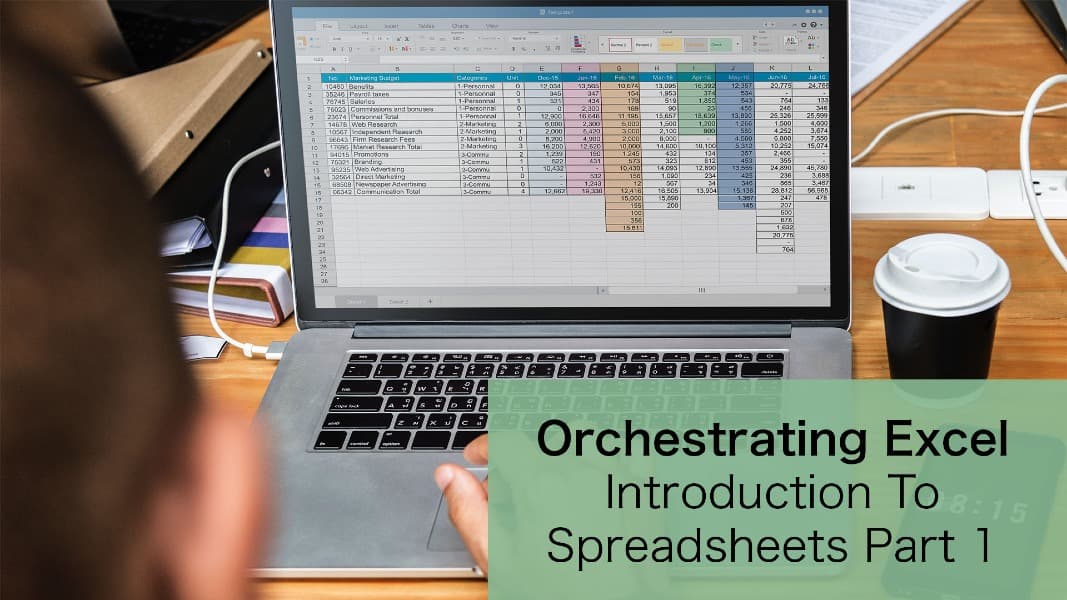
This presentation by Excel expert David Ringstrom, CPA, is perfect for those who are new to Excel or returning after a long break. David explains the fundamentals of spreadsheets, introduces different file types, shares useful keyboard shortcuts, and covers how to navigate Excel’s rows-and-columns grid. Every technique is demonstrated twice — first with step-by-step PowerPoint slides, and then live in the Office 365 version of Excel.
Throughout the session, David highlights differences between Office 365 and older versions like Excel 2019, 2016, and 2013. He also provides detailed handouts and a workbook filled with practical examples. Whether you're using a subscription-based or a perpetual licensed version of Excel, you'll walk away with the knowledge and tools you need to get comfortable with spreadsheets.

CPA, Author, Professional Excel Spreadsheet Trainer and Consultant
David H. Ringstrom, CPA, is the author of Microsoft 365 Excel for Dummies, and a nationally recognized instructor who has taught over 2,500 live webinars. His Excel courses are based on over 30 years of consulting and teaching experience. David’s catchphrase is “Either you work Excel, or it works you,” so he focuses on what he sees users don’t, but should know about Microsoft Excel. His goal is to empower you to use Excel more effectively. David has authored or co-authored 10 books, including Exploring Microsoft Excel's Hidden Treasures, QuickBooks Online for Dummies, and Idiot's Guide to Introductory Accounting.
