Master Excel budget creation, from resilient structures to dynamic formulas. Learn to build, protect, and optimize financial spreadsheets with advanced techniques for clarity and efficiency.
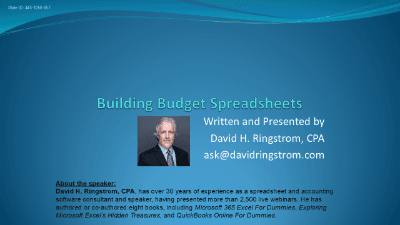
Unlock the full potential of Microsoft Excel for dynamic and robust budget management. This course, "Building Budget Spreadsheets in Microsoft Excel," transforms how you approach budgeting by leveraging advanced Excel functionalities to create resilient, auditable, and easily modifiable spreadsheets.
You'll discover strategies to streamline your budgeting process and minimize errors, ensuring accuracy that stands up to scrutiny throughout the fiscal year. Learn to build budgets that adapt to change rather than breaking under it, saving you invaluable time and effort.
By the end of this course, you'll be equipped with the skills to construct sophisticated budget spreadsheets that are not only accurate and easy to maintain but also clear, adaptable, and professional.

CPA, Author, Professional Excel Spreadsheet Trainer and Consultant
David H. Ringstrom, CPA, is the author of Microsoft 365 Excel for Dummies, and a nationally recognized instructor who has taught over 2,500 live webinars. His Excel courses are based on over 30 years of consulting and teaching experience. David’s catchphrase is “Either you work Excel, or it works you,” so he focuses on what he sees users don’t, but should know about Microsoft Excel. His goal is to empower you to use Excel more effectively. David has authored or co-authored 10 books, including Exploring Microsoft Excel's Hidden Treasures, QuickBooks Online for Dummies, and Idiot's Guide to Introductory Accounting.
